News

WahInnovations has merged into MoreYeahs IT Technologies, enhancing our Salesforce solutions with AI and Data Engineering.

WahInnovations joined MoreYeahs.

Get in touch

SharePoint Migration Services

Content, permissions, metadata and version history moved without loss, and the workflows, forms and customisations rebuilt on the other side. Most migration providers move your files and leave. We are engineers as well, so we can put back what the move broke.

Why organisations migrate

Nobody plans a migration for its own sake. Something forces it. If one of these is your situation, the rest of this page is written for you.

An acquisition or merger

Two organisations, two Microsoft 365 tenants, and a deadline by which people need to work as one company. Tenant-to-tenant migration is the most constrained kind of move: identities, permissions, mailboxes and content all have to arrive together, and the business rarely gets to pause while it happens.

A divestiture or carve-out

Separating one business unit's content out of a shared tenant, cleanly enough to satisfy the buyer and the lawyers. Harder than a merger in one respect: you have to prove what left and what stayed.

SharePoint Server reaching end of support

On-premises SharePoint that is approaching, or has passed, the end of Microsoft's support. The content migration is usually the straightforward part. The customisations built on top of it are not.

A datacentre or on-premises exit

File servers and NAS being decommissioned, with years of accumulated content that has to go somewhere governed and searchable rather than into another drive nobody manages.

Storage costs rising faster than anyone budgeted

SharePoint and OneDrive storage that has grown past its included allowance, with most of the volume being content nobody has opened in years. This is frequently an archiving problem rather than a migration one, and the two are worth separating before you spend anything.

Consolidating off Google Workspace, Dropbox or Box

Organisations already paying for Microsoft 365 and also paying for a second storage platform. Consolidation removes a licence line, a security surface and a place where content hides, but permission models rarely map across cleanly, which is where these projects usually stall.

A compliance or data residency requirement

Content that must be held in a specific region, retained for a defined period, or moved out of a system that cannot evidence what happened to it. The move itself is often less demanding than proving it was done correctly.

File shares nobody can govern

Mapped drives with fifteen levels of folders, permissions granted a decade ago to people who have left, and no way to search, classify or secure any of it. The content usually matters; the structure almost never survives contact with a migration.

What we migrate from

We have successfully migrated data from Windows file shares and NAS, and between Microsoft 365 tenants. Our migration platform also has the connectors and capabilities to support Google Drive, Dropbox, Box, AWS S3 and SharePoint Server 2013, 2016 and 2019, subject to source-system assessment and project requirements.

Mapped drives, file servers and network-attached storage into SharePoint document libraries. We map NTFS permissions to SharePoint groups rather than recreating them one-for-one, because a permission structure built up over a decade of ad-hoc grants should not be carried forward unchanged. Long paths, illegal characters, versioned duplicates and orphaned owners all get handled explicitly during assessment rather than discovered mid-migration.

Shared Drives and My Drive content into SharePoint and OneDrive, including native Google file conversion to Office formats. Sharing permissions in Google do not map cleanly onto Microsoft 365, link-based access in particular, so we report the differences before the move rather than leaving you to find out afterwards.

Dropbox Business and team folders into SharePoint, with folder structure, versions and sharing arrangements assessed and mapped. Commonly a licence-consolidation project as much as a content one: the saving is usually the reason it gets approved.

Box content, metadata and permissions into SharePoint. Box's metadata templates and custom fields often carry real business value, so we map them to SharePoint content types and managed metadata rather than flattening them into folders.

Content held in S3 buckets into SharePoint, or into Azure storage where it is better suited. Frequently relevant where an application has been writing documents to S3 for years and the business now needs them governed, searchable and accessible alongside everything else in Microsoft 365.

SharePoint 2013, 2016 and 2019 into SharePoint Online. Site collections, libraries, lists, metadata and version history migrate; classic customisations, workflows and InfoPath forms do not, and have to be rebuilt. We identify which is which during assessment, and we can do the rebuild as well as the move.

Consolidating two tenants after an acquisition, or separating one after a divestiture. SharePoint sites, OneDrive content, Teams files and the permission structures behind them. The sequencing matters more than the tooling here: identity has to be resolved before content moves, and the cutover has to be planned around how the business actually works.

We support migration from a range of document management and enterprise content management platforms, with each source system assessed case by case to determine the appropriate migration approach, tooling, metadata mapping, permissions and content transformation requirements.

External storage drive connected to a laptop

Windows file shares and NAS

Mapped drives, file servers and network-attached storage into SharePoint document libraries. We map NTFS permissions to SharePoint groups rather than recreating them one-for-one, because a permission structure built up over a decade of ad-hoc grants should not be carried forward unchanged. Long paths, illegal characters, versioned duplicates and orphaned owners all get handled explicitly during assessment rather than discovered mid-migration.

Moves into
SharePoint libraries
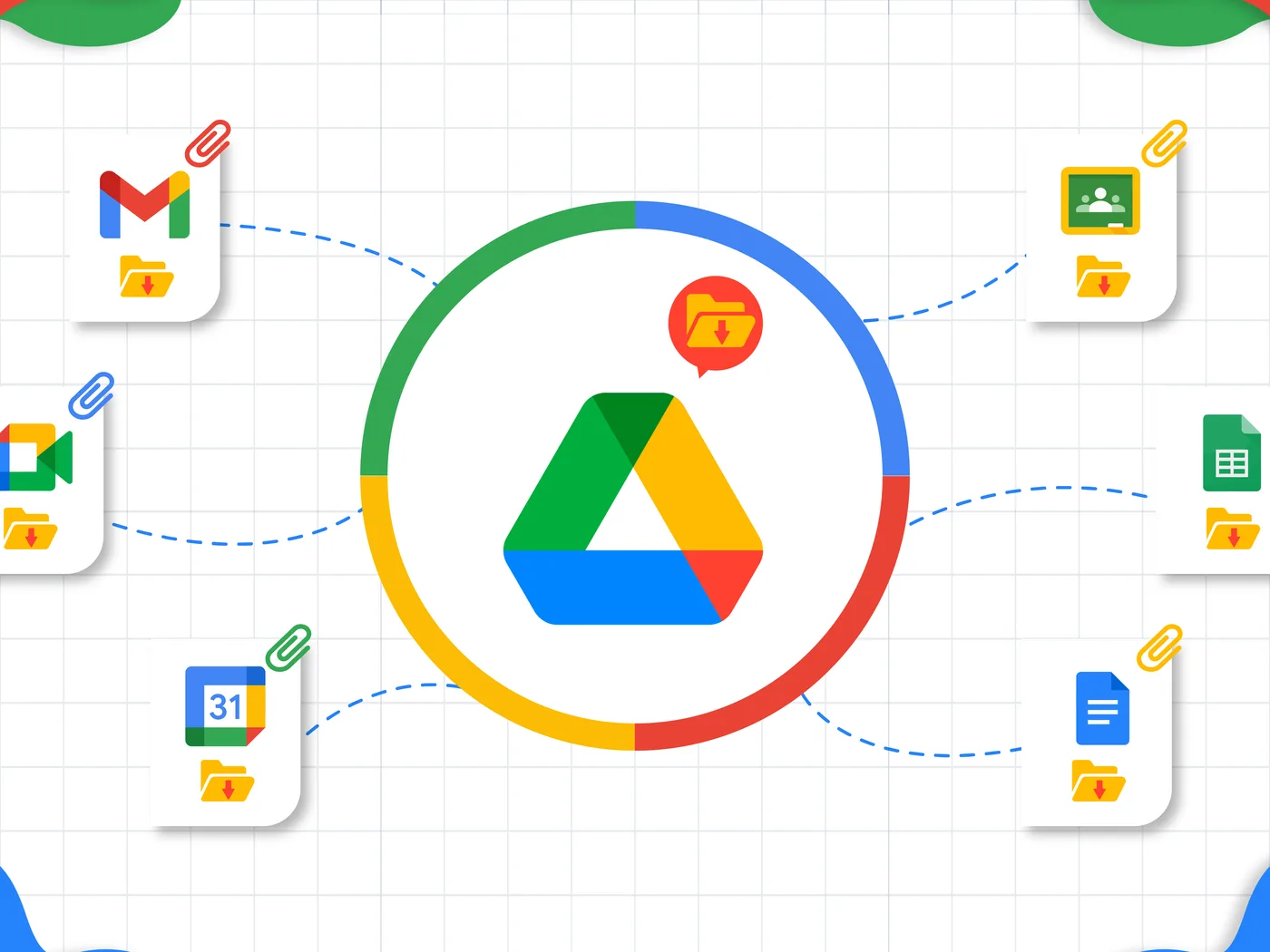
Google Drive at the centre of Gmail, Docs, Sheets, Calendar and Meet

Google Drive and Google Workspace

Shared Drives and My Drive content into SharePoint and OneDrive, including native Google file conversion to Office formats. Sharing permissions in Google do not map cleanly onto Microsoft 365, link-based access in particular, so we report the differences before the move rather than leaving you to find out afterwards.

Moves into
SharePointOneDrive
Dropbox file view showing folders and shared files

Dropbox

Dropbox Business and team folders into SharePoint, with folder structure, versions and sharing arrangements assessed and mapped. Commonly a licence-consolidation project as much as a content one: the saving is usually the reason it gets approved.

Moves into
SharePoint
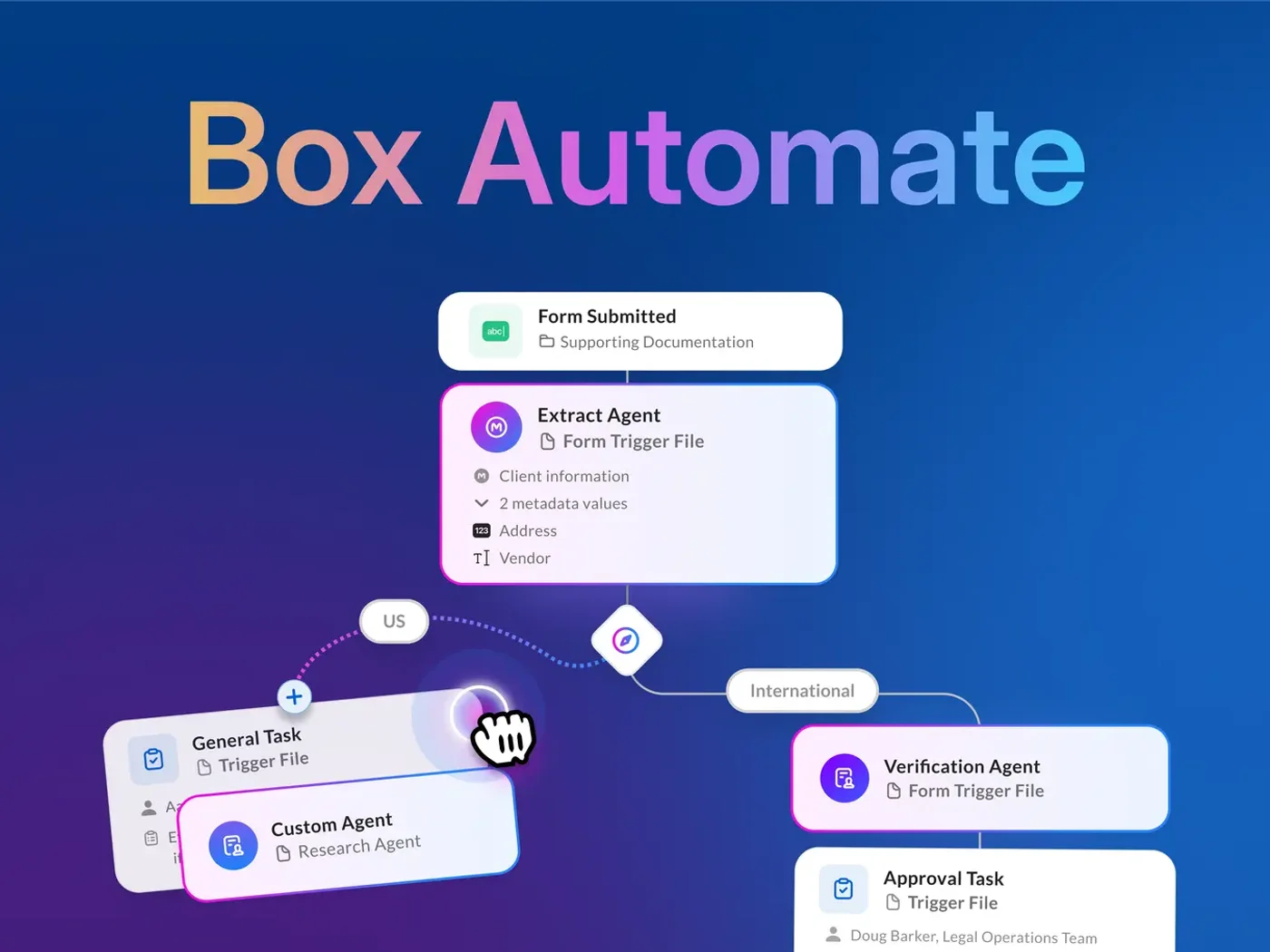
Box workflow automating approval of submitted files

Box

Box content, metadata and permissions into SharePoint. Box's metadata templates and custom fields often carry real business value, so we map them to SharePoint content types and managed metadata rather than flattening them into folders.

Moves into
Content typesManaged metadata
Cloud data centre server racks

AWS S3

Content held in S3 buckets into SharePoint, or into Azure storage where it is better suited. Frequently relevant where an application has been writing documents to S3 for years and the business now needs them governed, searchable and accessible alongside everything else in Microsoft 365.

Moves into
SharePointAzure storage
On-premises server room with racks of servers

SharePoint Server on-premises

SharePoint 2013, 2016 and 2019 into SharePoint Online. Site collections, libraries, lists, metadata and version history migrate; classic customisations, workflows and InfoPath forms do not, and have to be rebuilt. We identify which is which during assessment, and we can do the rebuild as well as the move.

Moves into
SharePoint Online
Business handshake sealing an acquisition

Microsoft 365 tenant to tenant

Consolidating two tenants after an acquisition, or separating one after a divestiture. SharePoint sites, OneDrive content, Teams files and the permission structures behind them. The sequencing matters more than the tooling here: identity has to be resolved before content moves, and the cutover has to be planned around how the business actually works.

Moves into
SharePointOneDriveTeams
Shelves of old paper files from a legacy archive

Legacy document management systems

We support migration from a range of document management and enterprise content management platforms, with each source system assessed case by case to determine the appropriate migration approach, tooling, metadata mapping, permissions and content transformation requirements.

Moves into
Assessed case by case

You could buy a migration tool. Here is what it will not do.

Migration software is good, and we use it. If your situation is simple (one source, clean permissions, content that is already organised) buying a tool and running it yourself may genuinely be the right answer, and we will tell you if we think so.

What a tool does not do

  • Decide what should move, what should be archived and what should be deleted. Most organisations migrate two to three times more content than they need to, and pay to store it afterwards.
  • Tell you that your permission model was already broken. A tool will map a broken structure faithfully into its new home.
  • Rebuild the workflows, forms and custom components that stop working when their source system is switched off.
  • Sequence the waves, run the pilot, handle the exceptions, chase the content owners and manage the cutover. Tools do not do project management, and migrations fail on project management far more often than on technology.

Where the value actually sits

We are straightforward about this: we use our own internally developed migration platform, and ShareGate where a client already holds the licences. The value we add is the assessment, the design decisions, the exception handling and the engineering afterwards, not the software.

How we run a migration

Every phase produces something you can hold us to.

Discovery and assessment

A full inventory of what exists: volumes, file ages, permission complexity, duplicates, and what should not move at all. This is where most of the cost is decided.

Planning and design

Target architecture, permission and metadata mapping rules, wave sequencing, cutover approach and a documented rollback position.

Pilot migration

A representative subset migrated and validated end to end, with the findings fed back into the plan before anything else moves.

Phased migration

Waves by business unit or content type, scheduled around how the business works. People keep working throughout.

Validation and reconciliation

Reporting that proves what moved, what did not and why: item counts, permission mapping, exceptions, and evidence you can hand to an auditor.

Cutover and decommission

Users on the new platform, source systems retired on an agreed date, and a documented position on what happens if something surfaces later.

On rollback

Every plan we write includes what happens if a wave goes wrong: what is reverted, how, and how long the source system stays available before it is decommissioned. It is the question every IT director asks, and it should be answered in writing before the project starts rather than improvised during it.

Moving the problem is not the same as solving it

A lift-and-shift migration moves your content and everything wrong with it. Four things worth deciding before the move rather than after.

Permissions

If access was granted ad hoc over a decade, migrating faithfully reproduces a structure nobody understands and nobody can audit. The assessment is the natural moment to rationalise it: permissions are never easier to fix than when you are already touching everything.

Structure

Folder hierarchies fifteen levels deep do not become findable by arriving somewhere new. Content that will actually be used benefits from metadata and content types; content that is being retained for compliance does not need either. Deciding which is which is most of the work.

Volume

In most estates a large share of content has not been opened in years. Migrating it costs money once and storing it costs money continuously. An assessment that identifies what can be archived or deleted frequently pays for itself before the migration begins.

Metadata

Metadata that was never applied cannot be migrated into existence. Where it matters, it has to be derived (from folder structure, file properties or naming conventions), and that is a design decision made before the move, not a setting applied after it.

SharePoint archiving to Azure Blob storage

Content you must keep and almost never open does not belong in your most expensive storage. Regulated and asset-heavy organisations frequently hold years of project records, drawings, inspection reports and correspondence that must be retained but is accessed perhaps once a year.

We archive that content out of SharePoint into Azure Blob storage, at a fraction of the cost per terabyte, with retrieval when it is needed and the retention position preserved.

As an illustration: for 1 TB of inactive content, Microsoft 365 Archive is currently priced at approximately $51 per TB per month (1,024 GB at $0.05 per GB), subject to the tenant’s included storage quota and billing conditions. Azure Blob Archive can be considerably cheaper for long-term cold storage, although retrieval, transaction and early-deletion charges must also be considered.

This is also worth raising with organisations whose migration finished years ago. Storage growth is a problem that arrives quietly.

What we agree with you

  • Which content qualifies: typically age, access frequency and content type rather than a blanket rule
  • How retrieval works, and how long it takes, so nobody is surprised when something is needed

What stays intact

  • How retention and compliance obligations carry across to the archive
  • Governance reporting showing what was archived, when and under what rule

What breaks, and who puts it back

This is the part most migration projects underestimate, and the reason we treat migration as an engineering engagement rather than a data move.

When content leaves its original system, the things built around it stop working:

  • InfoPath forms, which have no equivalent in SharePoint Online and have to be rebuilt in Power Apps
  • Classic SharePoint workflows, retired in Microsoft 365, requiring a rebuild in Power Automate
  • Custom web parts and farm solutions, which do not exist in SharePoint Online and need rebuilding in SPFx
  • Integrations pointing at the old system: reports, applications and scheduled jobs that will silently return nothing
  • Links embedded inside documents, emails and applications, pointing at paths that no longer resolve

A migration specialist will identify these and hand them back to you. We identify them at assessment, price the rebuild alongside the move, and do both, which is usually the difference between a migration that completes and one that is declared finished while three business processes quietly stop working.

Evidence, not assurances

For regulated organisations the migration is only half the requirement. The other half is being able to demonstrate it was done properly.

  • Chain of custody: a record of what moved, when, and under whose authority
  • Reconciliation reporting: item counts at source and target, with every exception accounted for
  • Permission mapping reports showing who had access before and after
  • Retention policies carried through the move rather than reset by it
  • Data residency: content landing in the Microsoft 365 region you have specified, with Azure resources provisioned in the region you require

Migrations we have delivered

File share and tenant-to-tenant migrations

We have delivered migration engagements from Windows file shares and NAS to SharePoint Online, and Microsoft 365 tenant-to-tenant migrations, covering content, metadata, folder structures, permissions and security groups.

Timelines and volumes vary by engagement, and can be shared for a specific client reference once disclosure is approved.

Trivandi: 190+ sites and 18+ TB of data

We have worked on the Trivandi SharePoint environment, involving more than 190 sites and over 18 TB of data, with subsequent modernisation, governance improvements, content restructuring, reporting and user-experience enhancements.

See the intranet page

Process rebuild: capital expenditure approval

A capital expenditure approval process running on email and spreadsheets, with no audit trail and no way to see where a request was sitting. We built a Power Automate and Power Apps solution with conditional routing by value threshold, automatic escalation, full approval history and a mobile interface for approvers who are rarely at a desk.

See Power Automate & Power Apps

SharePoint migration: common questions

What IT teams ask us before they commit to a move.

Not if the migration is planned properly. Version history, created and modified dates, authorship and permissions all migrate. The honest caveats: some source platforms hold metadata that has no direct SharePoint equivalent, and permission models do not always map one-to-one, Google's link-based sharing being the clearest example. We identify every one of these during assessment and tell you what the mapping will be before anything moves, rather than reporting it afterwards.

A file share to SharePoint Online migration of a few terabytes typically runs 8–16 weeks, depending on data quality, permissions, restructuring and validation requirements. A Microsoft 365 tenant-to-tenant consolidation typically runs 12–24 weeks, depending on the number of sites, users, workloads, the security model and migration waves. The assessment and discovery phase typically takes 2–4 weeks, covering source discovery, data volume and structure, permissions, metadata, dependencies, target architecture, migration strategy and effort estimation. We give a firm timeline after the assessment, not before it.

Yes. Migrations run in waves, with content synchronised until each wave cuts over, so people continue working in the source system until their content is live in the target. Cutover windows are scheduled around how the business actually operates rather than assuming a quiet weekend exists. Full downtime is rarely necessary and never the default.

They do not migrate. InfoPath forms, classic SharePoint workflows and farm solutions have no equivalent in SharePoint Online and must be rebuilt, in Power Apps, Power Automate and SPFx respectively. We identify every one during assessment and price the rebuild alongside the migration. This is the single most commonly underestimated part of a migration, and the most common reason one is declared complete while business processes have quietly stopped working.

We do not rely on licensed third-party migration tools. We use our own internally developed migration platform and tooling, which lets us tailor migration workflows, metadata mapping, permissions, validation and reporting to each client’s requirements. Our team also has expertise in ShareGate, and has used it successfully for a client who held the required licences, alongside our own migration capabilities where appropriate.

Yes: SharePoint sites, OneDrive content, Teams files and the permission structures behind them. Tenant-to-tenant work is the most sequencing-sensitive kind of migration, because identity has to be resolved before content moves and the cutover usually has a deadline set by something outside IT. It is the type of migration where planning matters most and improvisation costs most.

Usually a great deal, and often without migrating anything. Most estates hold a large volume of content that must be retained but is effectively never accessed. Archiving that to Azure Blob storage cuts the cost per terabyte substantially while preserving retention obligations and keeping the content retrievable. We can assess this independently of any migration.

Content lands in the Microsoft 365 region you have already specified, and any Azure resources involved are provisioned in the region you require. We can support jurisdiction-specific migration execution and geographically restricted engineer access, with the exact controls agreed during the security and compliance assessment. Tell us the requirement early, because it affects how the project is staffed and sequenced.

Start with an assessment

Before anyone quotes a migration, you should know what you actually have: how much content, how old, how tangled the permissions are, what can be archived instead of moved, and what will break when the source system is switched off. That assessment is useful whether or not you go on to work with us. It is also the only honest basis for a fixed price.

Response within one business day from a technical lead, not a bot.
NDA on request before you share anything sensitive.
Prefer to book directly? Grab a 30-min architecture slot on our calendar.

Assessment scope, duration and fee are tailored to your environment. Ask us whether the fee can be credited against the migration.