

THERE ARE TWO OPTIONS TO SIGN-UP FOR A FREE 30-DAY TRIAL OF CHANNELS:
- Channels trial through https://trials.dynamics.com/
- Channels trial through Microsoft 365 admin center (For more info Click Here )
I’ll configure Omnichannel using the first option. You need to install the Omnichannel Hub in order to be able to access it.
Step 1: Get a Dynamics 365 trial instance, to sign up for a trial account Click Here.
If you already have a Dynamics 365 trial instance, then go to Step 2.
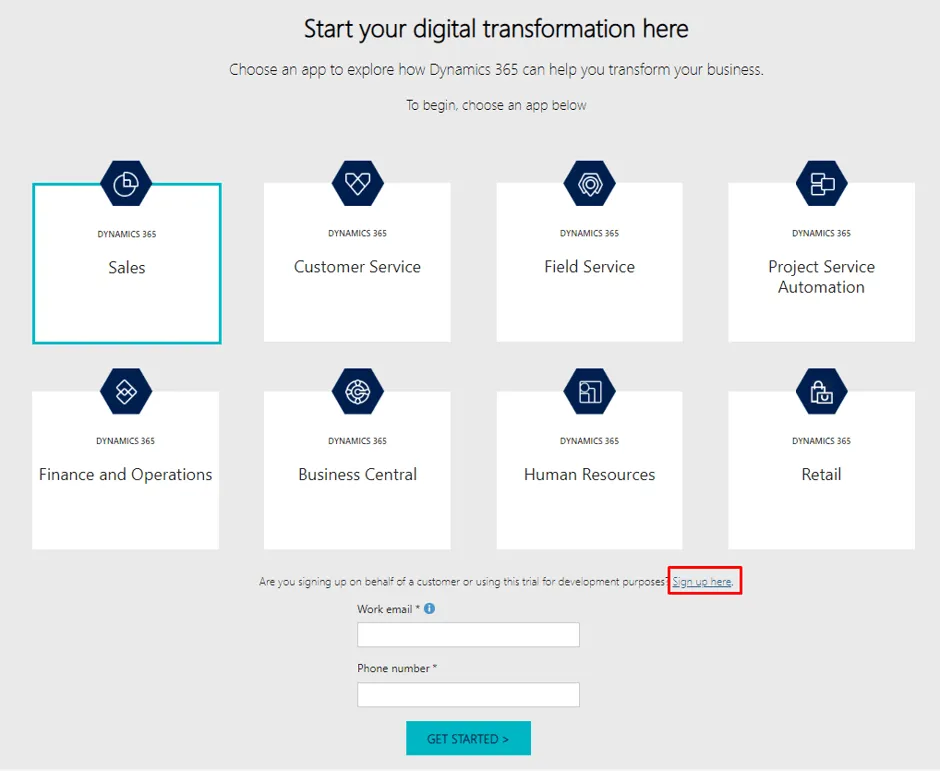
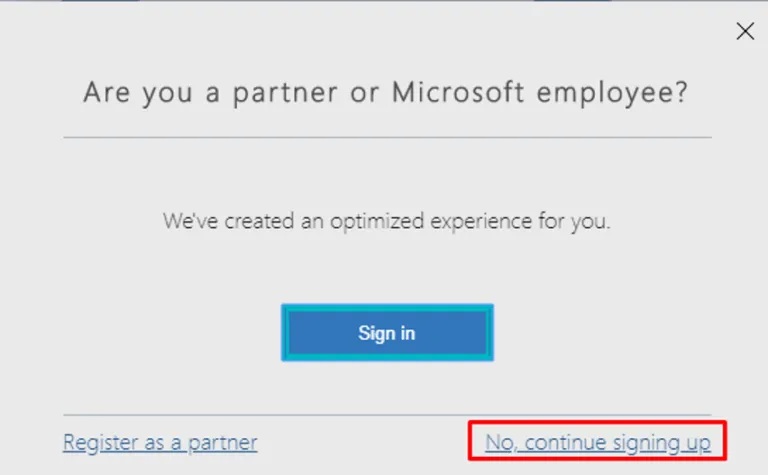
Click on Sign Up Here button and then a pop up will appear to choose for partner or Microsoft employee option
Continue with the signup option.
Create an account by filling out the required information.
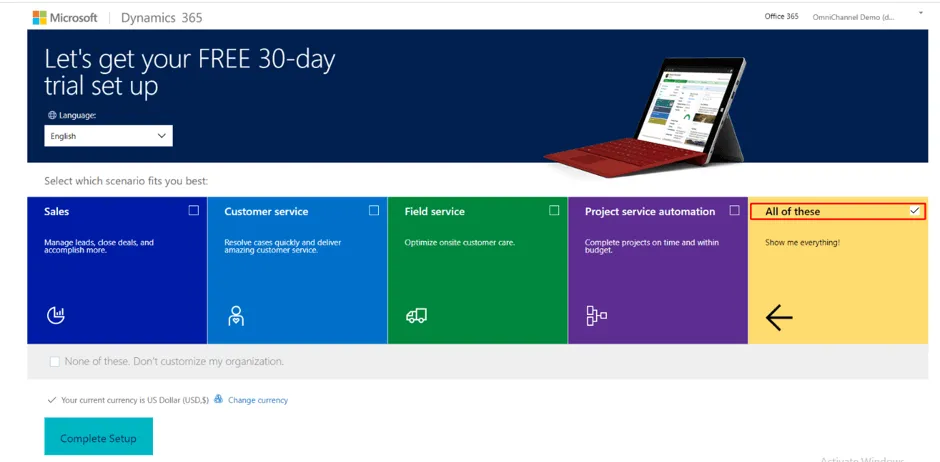
When your setup will be completed, you have to select the required options (Also you can select “All of these” options) as you can see in the below screenshot.
Step 2: After Completing the Setup open Dynamics 365 Administration Center. Under the Application Tab look for Omnichannel for Customer Service App.
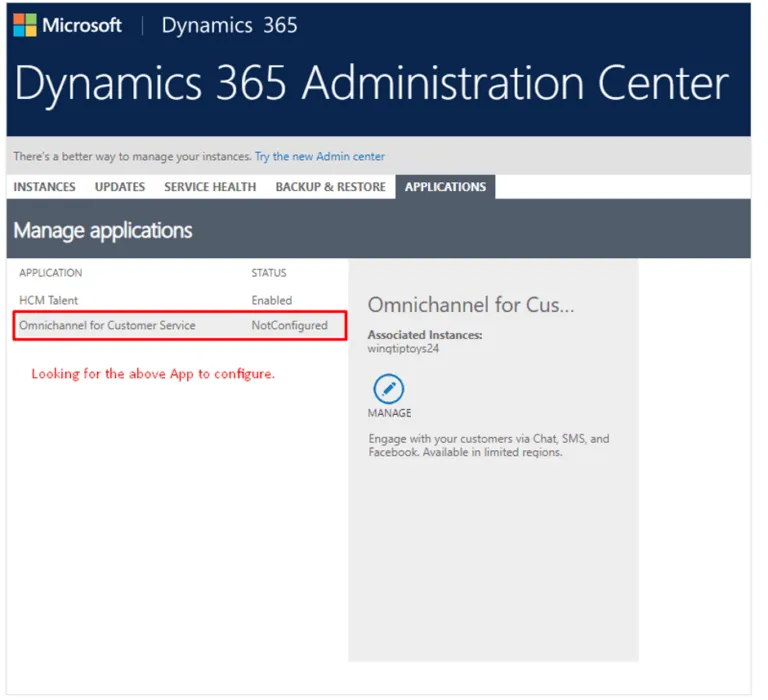
Oh! Wait… What? I didn’t find that.
You may be lucky to get the option of Omnichannel for Customer service to configure. If you find that then jump to Installation and Configuration of Omnichannel – Part 2.
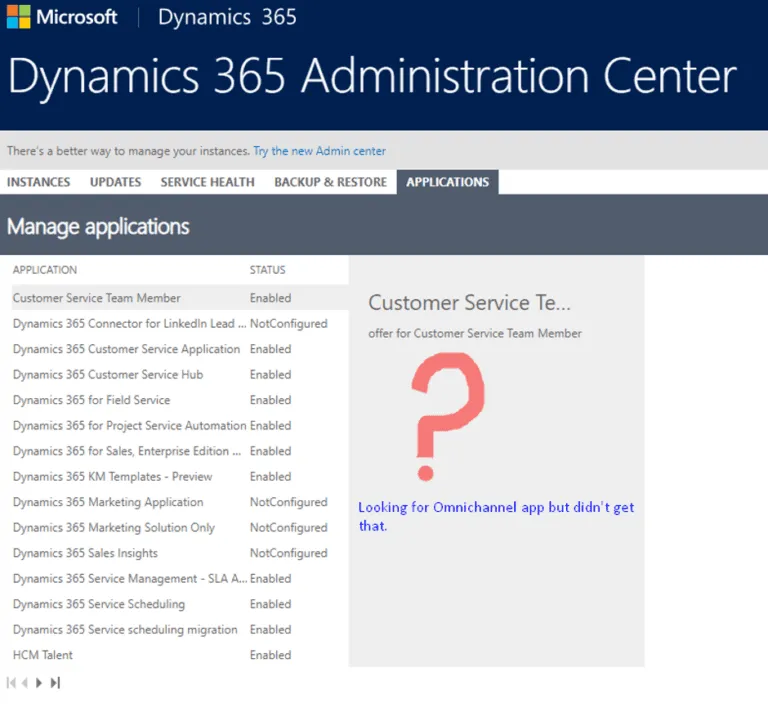
Note: Many of us don’t get this option as Microsoft suggests in its documents as you can see in the above screenshot. Even though you will get Omnichannel Administration and Customer App along with Customer Service Hub in Apps as given in the below screenshot.
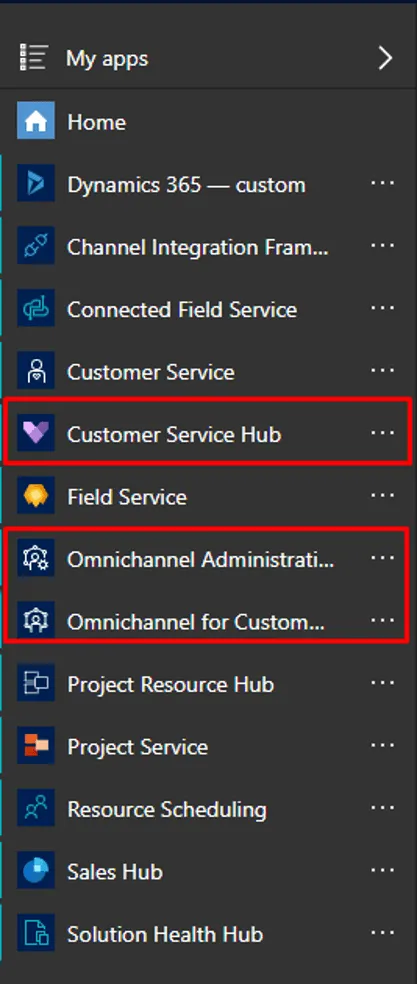
Umm…Something is not right. Don’t worry, we can solve this issue as well. It is mandatory to follow the below steps to configure it properly.
Step 3: So, in order to get the Omnichannel option in the Applications Tab, you need to follow below steps:
- Go to https://trials.dynamics.com/
- Select the ‘Customer Service’ option and fill your existing credentials.
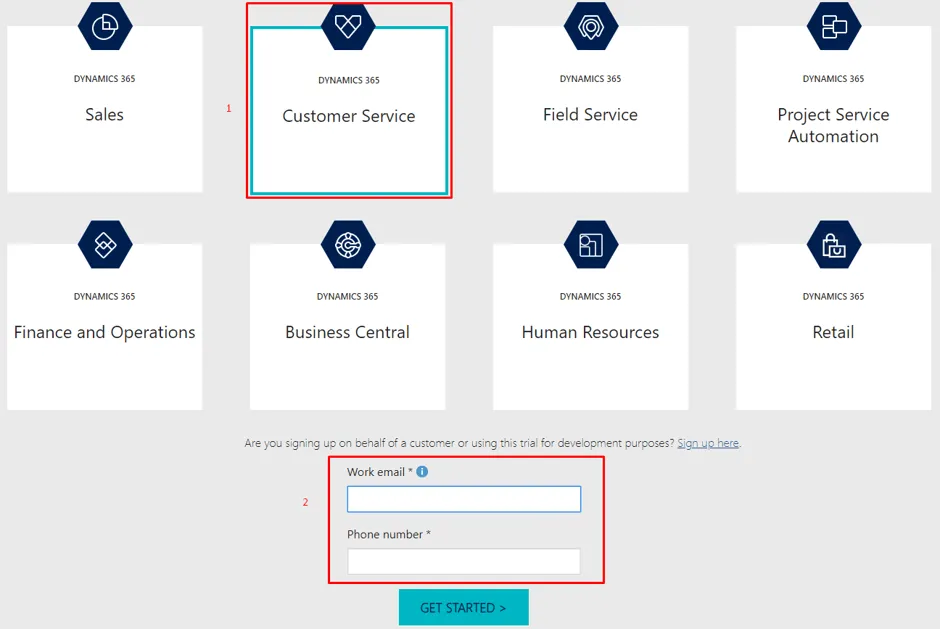
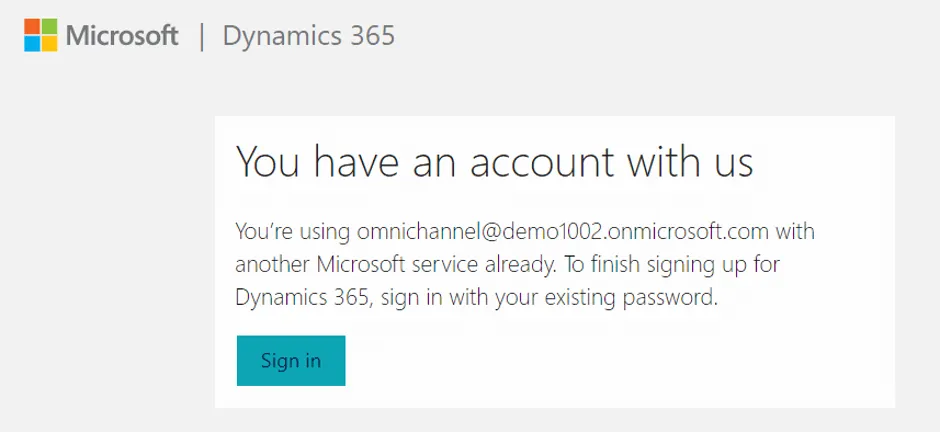
It will redirect you to another page with confirmation that you have an existing account. Click on the Sign-in button to continue.d.
Click on Ok, Got it button.
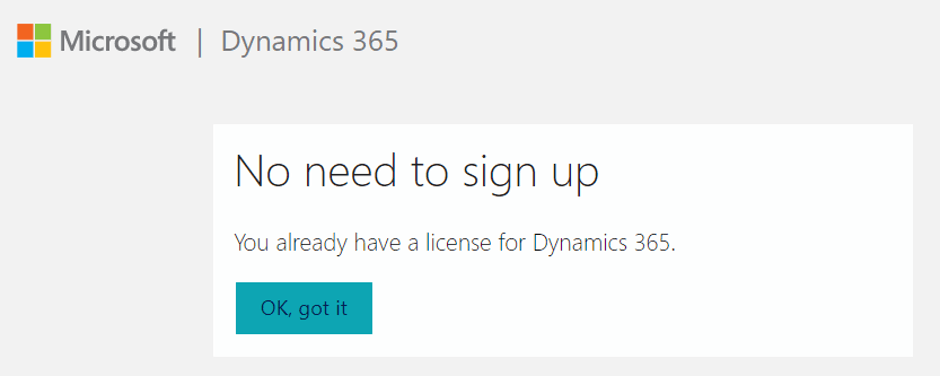
The setup screen can be seen here…
Once setup has completed, Go to Application tab inside Dynamics 365 Administration Center.
Now you can see the Omnichannel for Customer service.The setup screen can be seen here…

This Blog is getting bigger, so we will continue with the configuration and remaining setup for Omnichannel in the next part of the blog series. Visit Installation and Configuration of Omnichannel – Part 2 for more details.
I hope this blog series will help you to set up the omnichannel inside CRM D365. Please Feel free to ask questions related to it and also post your comments and feedback.


